A titles room the client runs themselves.
A summit in a large auditorium needed an opening film and a long run of sponsor and speaker titles that kept changing until the day. We made the film, then published a small Showline titles room: the client team types a name, duplicates a title, picks a background and renders the file in their own browser at 50 fps.
The film that opened the room.
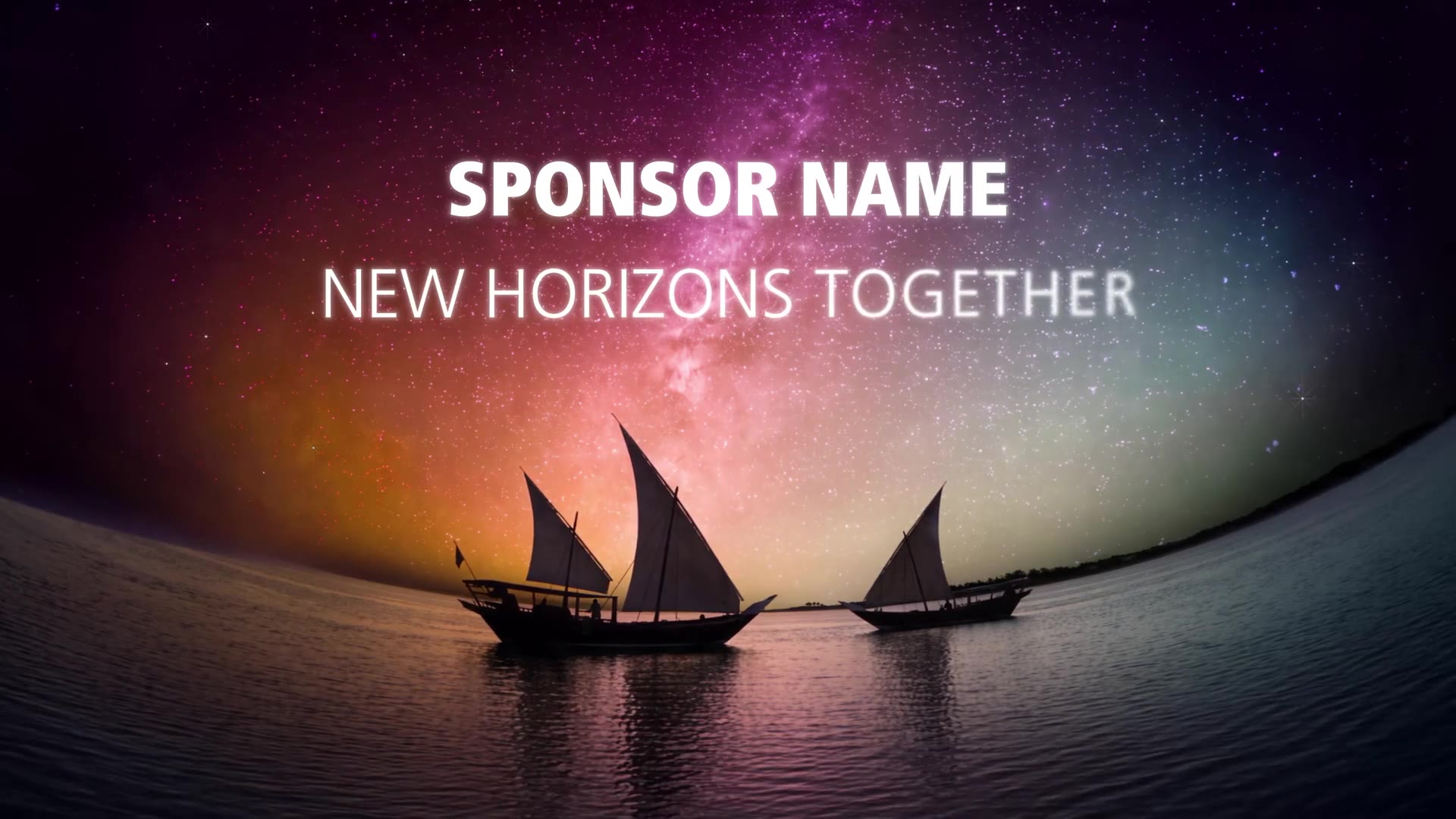
Sailing boats under the milky way, a father and daughter looking up, the desert at dawn. Turn the sound on for the voice-over. The closing logo sequence is cut here.
Type, duplicate, render.
This is the real room with open fonts and backgrounds from the film. Edit the lines, drag the text in the viewer, duplicate a title for the next speaker, switch the background. Rendering writes MP4 or 4K HAP files into a folder you pick, in desktop Chrome or Edge.
The studio sets the design, the client sets the names.
Typography, timing and backgrounds are locked by the studio. The client only changes what should change.
Sponsor and bilingual speaker titles with locked type, timing and position.
One click makes the next title, cursor ready in the first line.
Film footage as title backgrounds, cached in the browser.
MP4 previews and 4K HAP masters at 50 fps, rendered on the client's machine.
Right-to-left lines with their own fonts and tracking.
Directed, generated, upscaled to 4K 50p and mixed with voice-over.
Your surfaces, your brand, this toolset.
Every tool on this page was configured for one client and one venue. Send us the pixel maps, a venue drawing or a photo and the show date: we set Showline up around your project and walk you through it on your own content.